mybilleasy.com

Author name: rabendrasharma007@gmail.com

Automate Invoicing

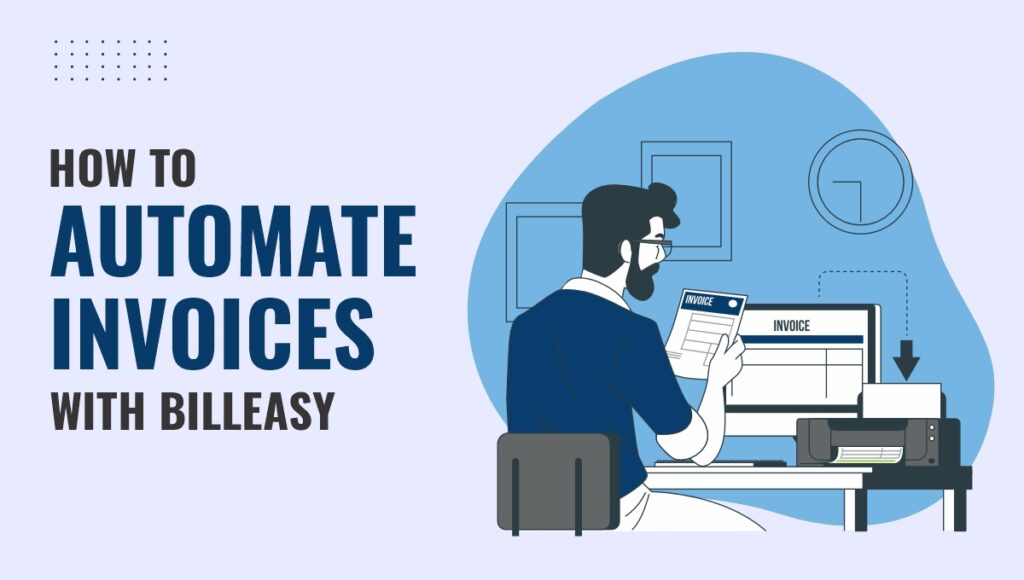
How to Automate Invoices with Billeasy

A Simple Guide for Businesses Managing invoices manually can be time-consuming, error-prone, and frustrating—especially as your business grows. If you find yourself spending hours every week generating bills, sending reminders, or tracking payments, it’s time to switch to automation. That’s where Billeasy, a powerful billing software, makes your life easier. With its smart automation tools and Online Invoice Generator, you can streamline your entire invoicing process—saving time, improving accuracy, and getting paid faster. In this blog, we’ll walk you through how to automate your invoices using billeasy step-by-step. Why Automate Invoicing? Before we dive in, let’s understand why invoice automation is a game changer: ✅ Saves Time – No more repetitive data entry ✅ Reduces Errors – Avoid mistakes in amounts, dates, or client info ✅ Faster Payments – Get paid quicker with timely invoices and reminders ✅ Improves Cash Flow – Stay on top of what’s due and when ✅ Better Recordkeeping – Keep everything organized and accessible Now, let’s explore how Billeasy helps you do all of this effortlessly. Step 1: Set Up Your Business Profile After signing up for Billeasy, the first step is to complete your business profile. Add your company name, logo, GST details, and bank/payment information. This ensures your invoices look professional and include all required compliance fields. Once saved, Billeasy automatically applies these details to every invoice you create—no need to re-enter them each time. Step 2: Add Your Clients and Products With Billeasy’s intuitive dashboard, you can quickly add customer information and your list of products or services. You can even set tax rates, item descriptions, and pricing. These saved entries help you generate invoices with just a few clicks. This feature is especially helpful for businesses with recurring clients or fixed service packages. Step 3: Use the Online Invoice Generator Billeasy’s built-in Online Invoice Generator lets you create invoices in minutes. Choose your client, add products or services, select taxes, and hit “Generate.” The invoice is ready to go—professionally formatted and fully customizable. Even better, the system supports automatic invoice numbering and date-stamping to keep things organized. Step 4: Enable Auto-Reminders and Recurring Invoices One of Billeasy’s most useful automation features is the ability to set up: Recurring invoices for ongoing services (weekly, monthly, etc.) Auto-reminders for upcoming or overdue payments Once enabled, the system sends these out automatically via email or even WhatsApp (if integrated). No manual follow-up needed. Step 5: Track Payments in Real Time Billeasy’s billing software gives you a clear dashboard showing which invoices are paid, pending, or overdue. You can also link payment gateways, so clients can pay directly from the invoice. The system automatically updates the payment status, so you don’t have to chase or update it manually. Bonus: Export Reports Anytime Need a quick look at your earnings or taxes? Billeasy lets you generate financial reports instantly—perfect for tax filings, audits, or strategic planning. Everything stays synced and transparent. Final Thoughts Automating your invoicing process doesn’t just save time—it helps your business run smarter and smoother. With Billeasy’s easy-to-use billing software and powerful Online Invoice Generator, you can focus more on growth and less on paperwork. Whether you’re a freelancer, retailer, or small business owner, Billeasy is built to simplify your billing and keep your cash flow healthy. Automate your billing, track payments, and grow faster with Billeasy — start your free trial now! 

How to Automate Invoices with Billeasy Read More »
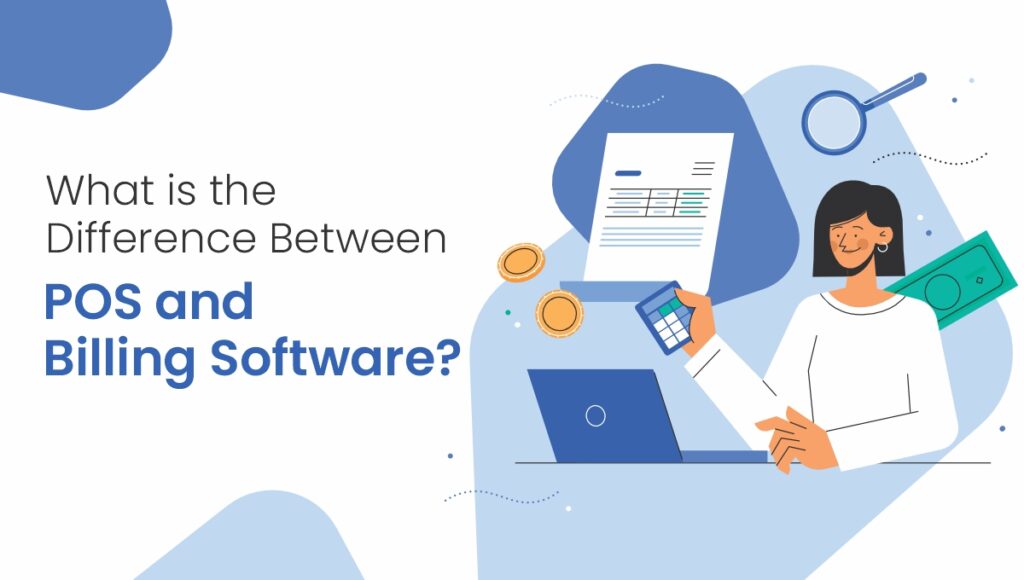
What is the Difference Between POS and Billing Software?

As businesses grow and adapt to changing times, having the right digital tools isn’t just helpful it’s key to running smoothly, delighting customers, and keeping your finances on track. Two of the most widely used technologies in retail and service-based businesses are POS (Point of Sale) systems and Billing Software. While both are often used for recording sales and transactions, they serve different purposes and cater to distinct business needs. Understanding the difference between POS and billing software can help you make the right investment for your business. In this article, we’ll explore what POS and billing software are, their features, differences, and how to choose the best fit for your business. What is Billing Software? Billing software is a digital tool that helps businesses create and manage invoices, apply taxes, track payments, and generate financial reports. It automates the entire billing process from creating GST-compliant invoices to sending reminders for due payments. Billing software is ideal for businesses that provide services or sell products and need a streamlined way to manage their sales, accounts, and taxation without handling the physical point of sale. Key Features of Billing Software: Invoice generation (GST-compliant) Payment tracking Tax calculations Customer and vendor management Report generation (sales, tax, profit/loss) Inventory management (in some cases) Multi-device access via cloud Billing software like Billeasy simplifies day-to-day financial operations for SMEs, freelancers, and wholesalers by providing accurate and professional billing tools.  What is a POS System? A POS (Point of Sale) system is a combination of hardware and software that allows businesses especially in retail to complete sales transactions on the spot. It typically includes a computer, barcode scanner, receipt printer, cash drawer, and POS software. POS systems are designed for customer-facing sales environments like retail stores, restaurants, cafes, supermarkets, and salons where quick, real-time billing is required at the counter. Key Features of POS Systems: Barcode scanning for faster checkout Real-time inventory tracking Receipt printing Integration with payment gateways and UPI/card machines Cash and card transaction handling Shift and staff management Loyalty points and discount options POS vs Billing Software – Key Differences While both billing software and POS systems are used to manage transactions, they are designed for different business needs. Billing software is primarily focused on generating invoices, calculating taxes, and maintaining financial records. It’s best suited for service-based businesses, freelancers, wholesalers, or anyone who deals with clients remotely or works on projects. It’s ideal for sending GST-compliant invoices, tracking payments, and managing accounts from a back-office perspective. On the other hand, a POS (Point of Sale) system is built for real-time, front-end transactions, typically in retail or hospitality environments. Think of it as the digital cash register used at supermarkets, restaurants, and cafes. A POS system allows businesses to scan barcodes, print receipts instantly, manage cash drawers, apply discounts, and integrate with card or UPI payments on the spot. It’s perfect for handling walk-in customers and fast-paced checkout environments. Another major difference is hardware dependency. While billing software can be accessed from any device desktop, mobile, or tablet POS systems usually require specific hardware like a  barcode scanner , printer, and sometimes even a dedicated touchscreen terminal. If your business model focuses more on invoicing, compliance, and backend reporting, go for billing software. But if your daily workflow revolves around in-store, high-volume transactions, a POS system will serve you better. Which One Should You Choose? Your decision between POS and billing software depends on the type of business, sales model, and daily operations. Here’s a breakdown:  Choose Billing Software If: You run a service-based business like freelancing, consulting, repair services, etc. You need to send invoices via email or WhatsApp to clients. Your business handles B2B transactions and needs GST-compliant billing. You want detailed tax and financial reports for compliance and planning. You don’t need hardware like barcode scanners or thermal printers. Examples: Wholesalers, clinics, CA firms, logistics providers, SaaS companies.  Choose POS Software If: You run a retail or physical storefront business. You need fast and real-time billing at the counter. Your operations involve barcode scanning and receipt printing. You want to manage cash drawers, daily shifts, and walk-in customers. Examples: Grocery shops, cafes, restaurants, apparel stores, pharmacies.  Can You Use Both POS and Billing Software? Yes, absolutely! In fact, many growing businesses use POS for front-end sales and billing software for back-office accounting. Some advanced POS systems even integrate billing features like GST reports, inventory management, and cloud access, bridging the gap between both tools. If you’re looking for a hybrid solution, software like BilleasyPOS offers the best of both worlds fast POS billing for daily sales, along with GST invoicing, inventory tracking, and real-time insights. Benefits of Using the Right System Using the right tool based on your business model can significantly improve operations and customer satisfaction. For example, billing software helps save time by automating invoicing, reduces errors in tax calculations, and ensures you stay compliant with GST or local tax regulations. It’s an excellent choice for those who want clean financial reports, better payment tracking, and secure cloud-based data access. On the flip side, POS systems boost retail checkout speed, improve customer experience, and allow your staff to manage sales, discounts, loyalty programs, and payment processing efficiently. These features are especially useful for high-footfall businesses where speed and convenience matter most. In short, choosing the right system ensures you’re not only meeting daily operational needs but also setting your business up for sustainable growth.

What is the Difference Between POS and Billing Software? Read More »

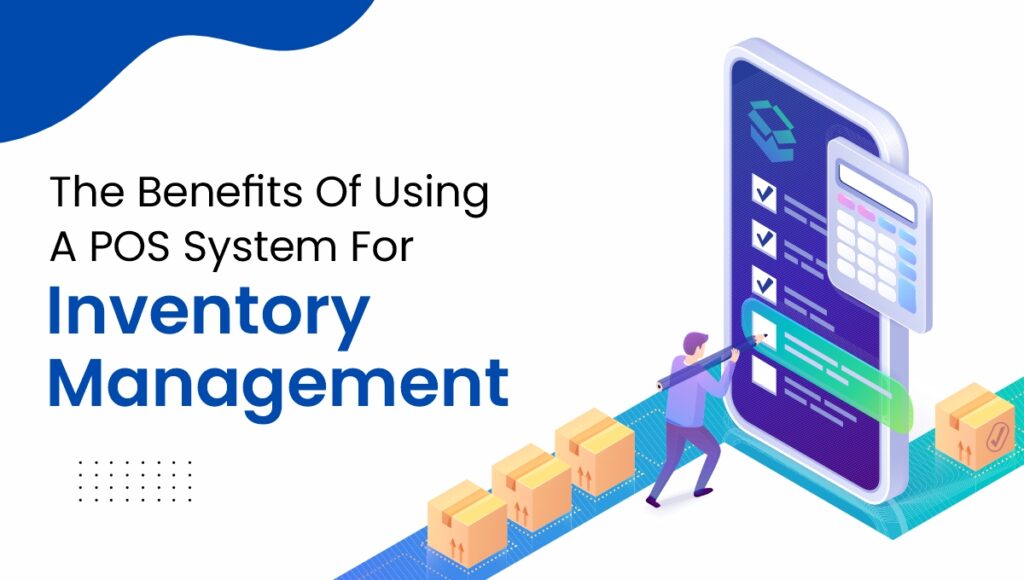
The Benefits Of Using A POS System For Inventory Management

Managing inventory has always been one of the toughest challenges for retailers, supermarkets, and even small shops. A small mistake in stock tracking can lead to lost sales, wasted products, or unhappy customers. Traditional methods like spreadsheets and manual counts are slow and error-prone, which is why more businesses are turning to Point of Sale (POS) systems with inventory management. A modern POS system doesn’t just process payments it works as a complete business assistant, giving you real-time stock updates, data-driven insights, and smoother operations. Let’s explore the key benefits of using a POS system for inventory management and why it’s becoming an essential tool for growing businesses. 1. Stay Updated with Real-Time Inventory With a POS system, your stock levels update automatically every time a sale, return, or restock happens. You don’t have to guess whether a product is available it’s right there on your dashboard. No need for manual stock counts every day. Instant updates reduce the chances of human error. Staff can quickly confirm product availability for customers. This level of visibility saves time and ensures accuracy across all departments. 2. Never Run Out or Overstock Again One of the biggest frustrations for businesses is either running out of popular items or filling shelves with products that don’t sell. A POS system helps you find the sweet spot. Low-stock alerts notify you before items run out. Reports highlight slow-moving goods so you can avoid overbuying. Seasonal and trend analysis helps plan stock in advance. As a result, customers always find what they want, and you don’t tie up money in unsold products. 3. Minimize Mistakes and Save Time Manual entry errors wrong quantities, misplaced stock, or duplicate entries can cost a business a lot of money. POS systems reduce these mistakes by automating key processes. Barcode scanning ensures accurate billing and stock updates. Automated data sync means your sales and inventory match perfectly. Staff spend less time correcting errors and more time serving customers. This accuracy directly improves profitability and efficiency. 4. Smarter Buying and Stock Planning A POS system gives you detailed reports on what sells the most, what sits on the shelves, and what needs price adjustments. This data helps you make better purchasing decisions. Stock up on high-demand products before they run out. Cut down on low-performing items that waste storage space. Run targeted promotions to clear slow-moving goods. Instead of guessing, you make informed decisions backed by sales history and customer preferences. 5. Easy Management for Multiple Stores For businesses with more than one location, managing inventory can feel overwhelming. Cloud-based POS systems allow you to monitor and control stock across all outlets from one platform. Transfer items between branches without confusion. Keep pricing and promotions consistent across locations. Track performance of each branch in real time. This makes scaling your business smoother and less stressful. 6. Better Customer Experience When customers can’t find what they’re looking for, they might switch to a competitor. A POS system helps improve customer satisfaction by ensuring popular products are always in stock. Quick access to stock details for staff. Faster checkout with barcode scanning and multiple payment options. Accurate order fulfillment for online and offline sales. Happy customers are more likely to return, boosting loyalty and sales. 7. Supplier and Purchase Order Control Managing vendors manually often leads to delays or missed reorders. A POS system simplifies supplier management by keeping all details in one place. Track supplier history and purchase orders. Reorder with just a few clicks when stock runs low. Monitor delivery timelines to avoid supply chain disruptions. Smooth supplier coordination ensures your store runs without interruptions. 8. Reduced Costs and Higher Profits A POS system saves money in many ways: fewer errors, less wasted stock, and more efficient staff management. On top of that, sales insights help you maximize profits. Cut unnecessary expenses from overstocking. Prevent theft and misuse with role-based access. Optimize pricing and promotions to drive higher margins. By combining cost control with smart selling strategies, POS systems give your business a direct financial boost. Conclusion A POS system with inventory management is more than just a cash register it’s a complete business solution. It helps retailers maintain accurate stock, avoid financial losses, make smarter buying decisions, and deliver excellent customer experiences. Whether you run a grocery store, supermarket, or multi-branch retail chain, investing in a POS system gives you the clarity and control you need to grow. By replacing guesswork with real-time insights, you’ll reduce costs, improve efficiency, and build stronger customer loyalty.

The Benefits Of Using A POS System For Inventory Management Read More »